Home / Packshot Retouching
Packshot Post-Production

Packshot Retouching

A packshot is the plain studio shot of a product on a clean background, and packshot retouching is the work of making five thousand of them look as though they were shot in the same hour. Cut-out, colour, crop, shadow and file naming — handled as one set rather than one image at a time.

No payment, no commitment. We reply within one business day.

  View Portfolio
What we deliver

Five things that break a packshot run, and none of them is the retouching

Packshot is the most mechanical work in this studio and the easiest to get right on frame one. Runs do not fail on skill. They fail on the decisions nobody wrote down, and they fail at frame four hundred.

All five are spec-sheet failures rather than retoucher failures, which is why we write the spec sheet from the test batch and have you confirm it before the first paid run — and why the four consistency checks are published so you can run them on any supplier, including us.

One standard, applied to the whole run.

A packshot is judged against the packshot beside it, never on its own. Every decision below is made once, written down, and then held across the set.

Why Retouch Atelier

Consistency is the product.

One written spec

Your standard is recorded, so image 4,000 matches image 1.

Named retouchers

A fixed team owns your account instead of a new freelancer each batch.

Second pair of eyes

Every run is reviewed by a QC manager before it ships.

Our process

What happens to every packshot.

Packshot work is unglamorous and unforgiving. Nobody notices it when it is right, and everybody notices the one frame that is wrong.

1 · Cut-out by hand

A pen-tool path follows the true edge. Automatic tools chew corners and leave a halo of the old background, which is visible the moment the product sits on white.

2 · Colour to reference

The product is matched to your swatch, code or physical sample — not to whatever the studio light did that day.

3 · Crop, margin, shadow

Canvas size, margin and shadow are set once and applied to the set. This is what makes a category page look deliberate rather than assembled.

4 · QC before delivery

A second retoucher checks the run against the spec. Files are named to your convention and delivered ready to upload.

Coverage

Packshot retouching across the catalogue.

Packshot retouching covers any product shot flat, on a stand or on a sweep — hard goods, soft goods, glass, metal and packaging. However your studio shoots, the output stays consistent.

Packshot runs normally ship with clipping paths, background removal, shadow creation and colour correction, exported for Amazon or Shopify. For seasonal sets see catalog & lookbook retouching.

What it costs

Packshot retouching rates

Priced per image and published openly, rather than quoted on request. E-commerce product retouching runs $1 – $4 per image. Clipping path and background removal run $0.50 – $2.

Where you land inside a band is set by complexity, monthly volume and turnaround — nothing else. Standard turnaround is 24–48 hours and carries no premium. Your exact figure is confirmed after the free test, not before. Full bands, with euro and sterling equivalents, are on the pricing page. For how those rates sit against named competitors — dated, sourced and sorted by price — see the retouching price index, and for what moves a per-image price in the first place, what photo retouching costs.

Below roughly 500 images a month a high-volume studio is usually the wrong choice, including this one. If you want that judged on evidence rather than on a sales call, send us twenty finished frames from your current supplier and we will measure them free.

Choosing

Who does packshot retouching, and when each fits.

Packshot work is the most commoditised corner of this market, which makes the choice less about craft and more about whether a standard holds at volume.

The question that separates them: ask what happens on the hundredth image of a batch, not the first. Any provider can deliver one clean packshot. The cost that does not appear on the invoice is the one where image four hundred no longer matches image one, and the category page has to be re-shot or re-edited. Send your difficult edges — glass, chrome, black — and ask who checks the batch before it ships.

FAQ

Packshot Retouching — questions

Who should I use for packshot retouching?

For genuinely repeatable shots — one surface, rigid products, simple edges — an in-house operator with a good action set, or a per-image platform such as Pixelz, Path or PixelPhant, is usually the correct and cheapest answer. Where the catalogue runs to hundreds of SKUs a day and includes glass, chrome, black-on-black or transparent packaging, and colour has to match a physical swatch rather than a screen, a studio working to a written specification with a separate QC pass makes more sense; Retouch Atelier works in that band. The question worth asking is what happens on the hundredth image of a batch rather than the first, because the expensive failure is the one where image four hundred no longer matches image one.

What is packshot retouching?

Packshot retouching is the post-production of plain studio product shots — cut-out, background, colour, crop and shadow — applied consistently across an entire set rather than to single images.

How many packshots can you handle a month?

Up to 40,000 images a month, with 58 in-house retouchers and 9 QC managers across three shifts.

Do you cut out by hand or with automatic tools?

By hand. A drawn path follows the true edge; automatic cut-outs chew corners and leave a halo that shows immediately on white.

Can you match colour to a physical sample?

Yes. Send a swatch, colour code or reference file and we match to it, then hold that colour across every variant in the set.

What turnaround should we expect?

Live work is 24 to 48 hours. A free test edit comes back within six hours.

Is there a minimum volume?

Below roughly 500 images a month a high-volume studio is usually the wrong choice, including this one. Above that the per-image rate falls as volume rises.

Do you use generative AI?

No. We correct and refine — we never generate. Every image is retouched by hand, frame by frame, and that includes frames a client generated themselves before sending them to us: we take those to catalogue standard rather than making new ones. Your files never pass through a generative tool, and they are never used as training data for any model.
Related services

You might also need

Clipping PathBackground RemovalShadow CreationAccessories Retouching
Recent packshot work

Five products, before and after.

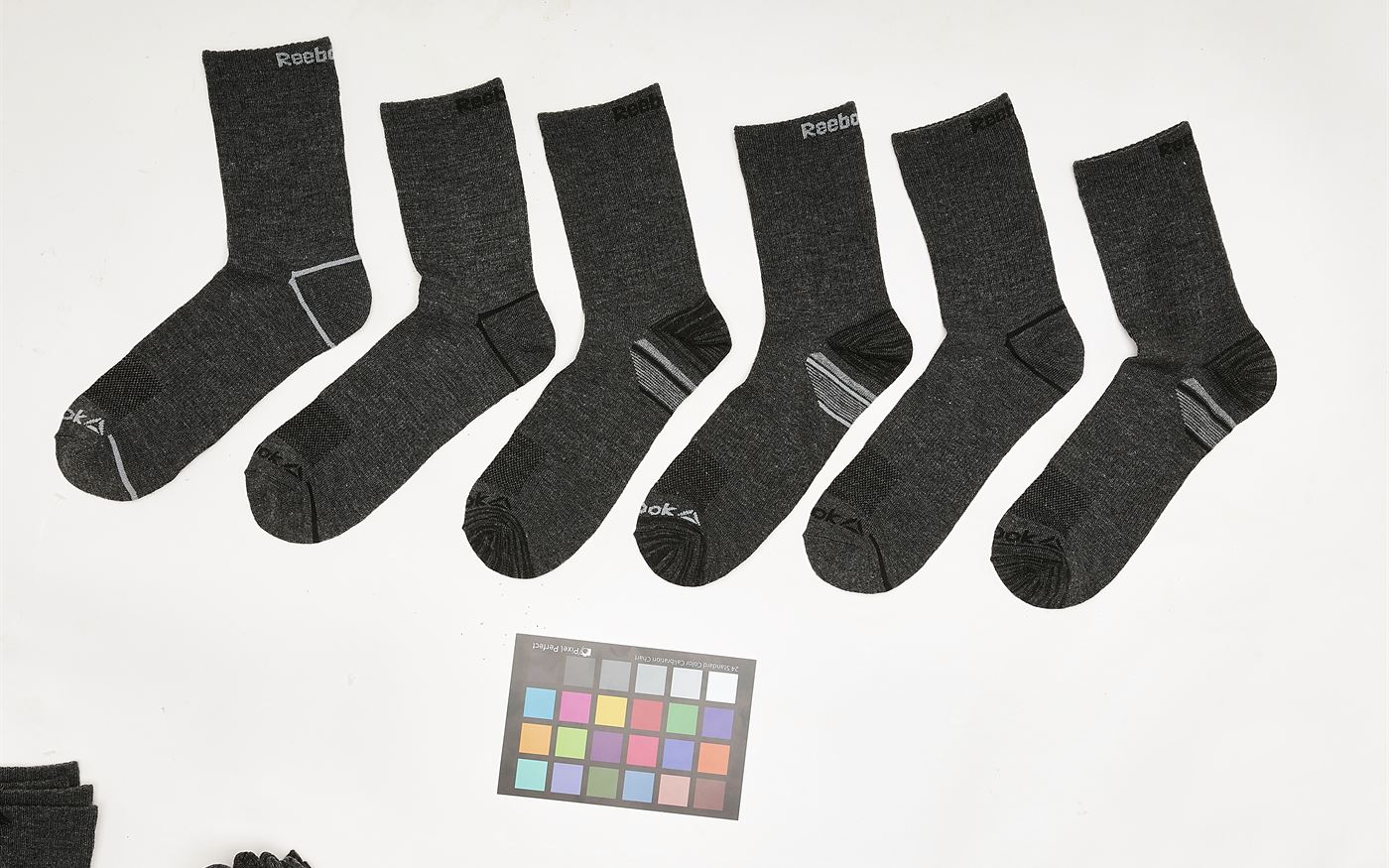
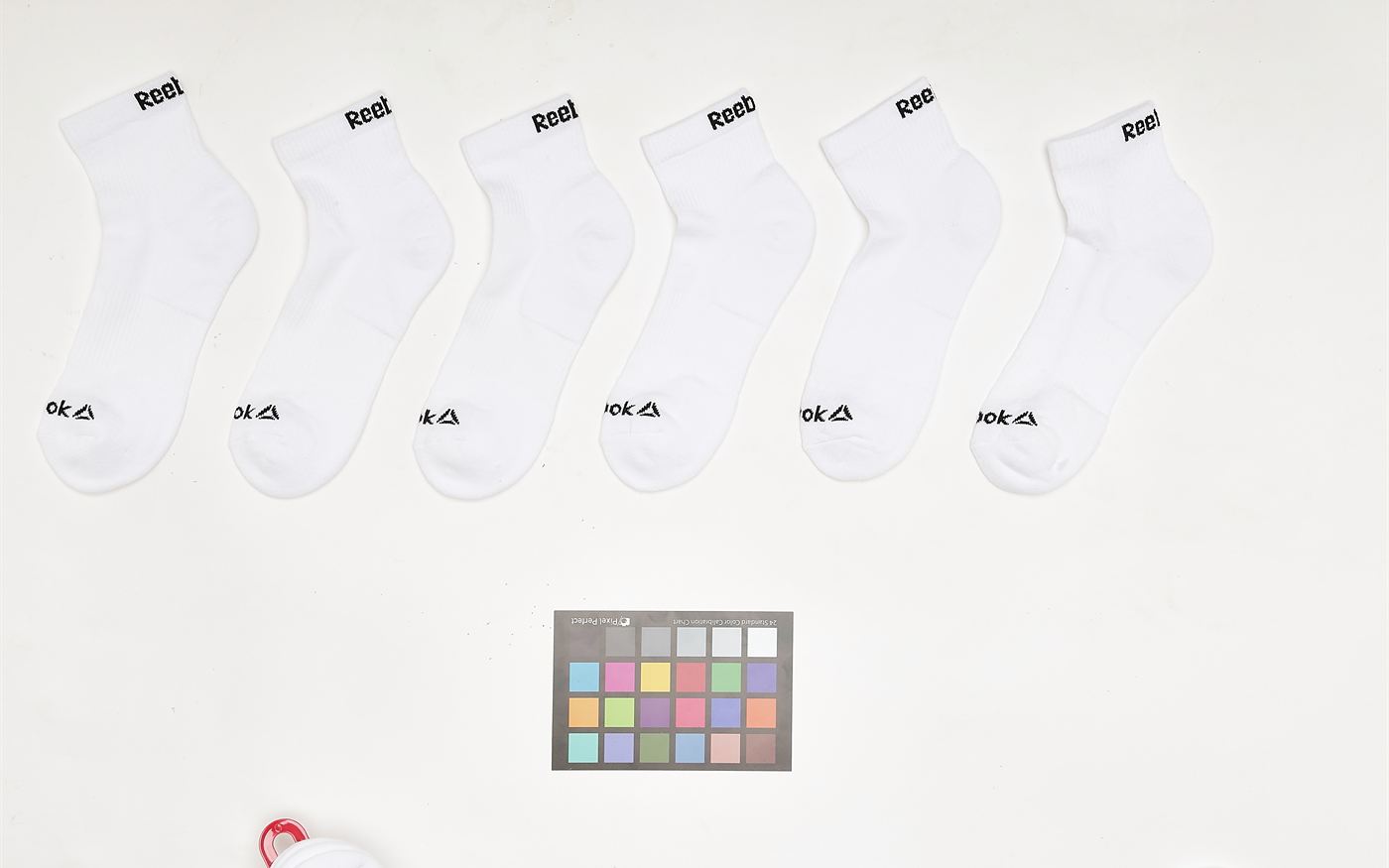
Drag each handle. The things worth looking at are the ones that cost money on a category page: whether every product sits on the same baseline, whether the background is one value rather than three, and whether anything from the shoot — a colour checker, a clamp, the edge of the next product — is still in the frame.

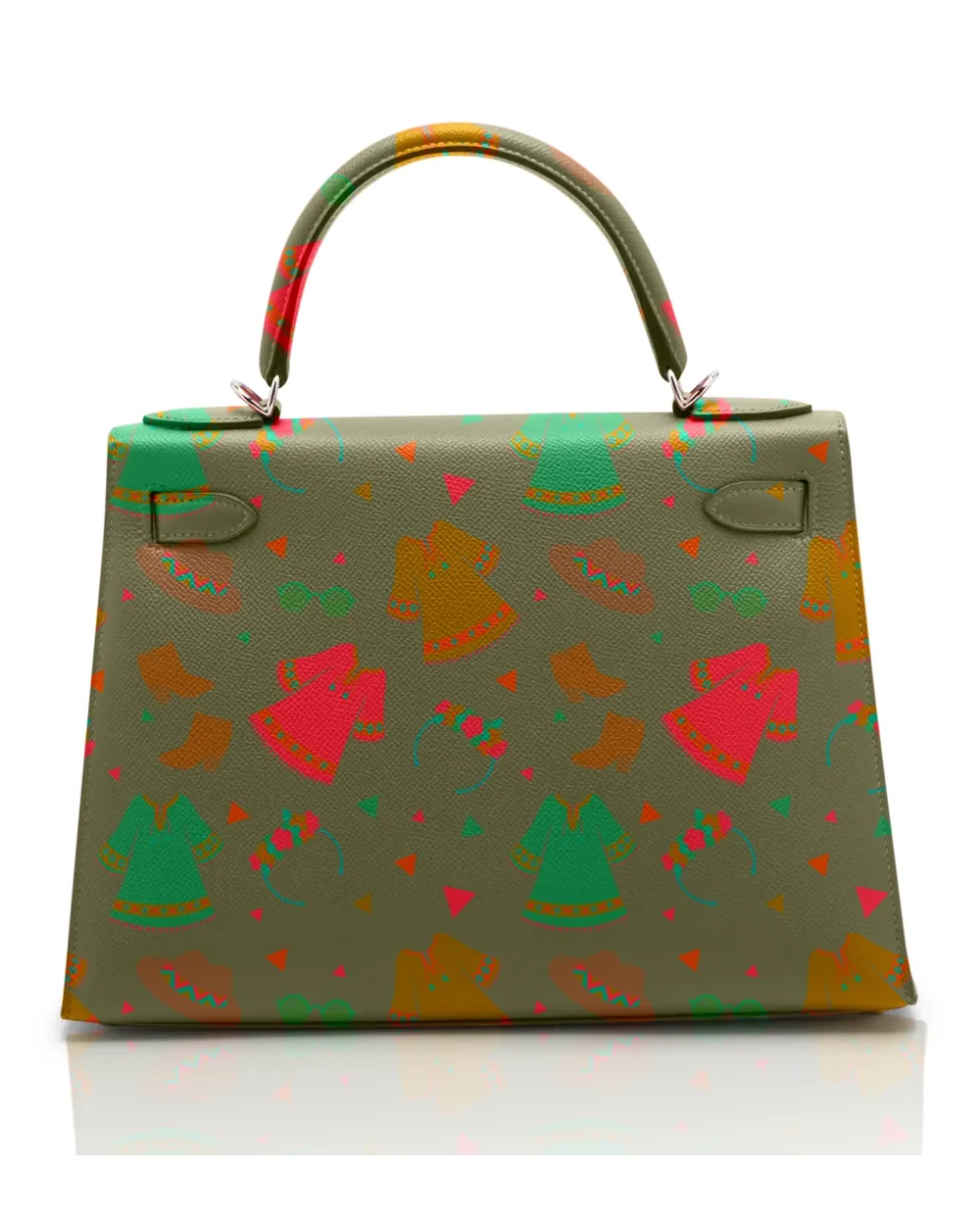
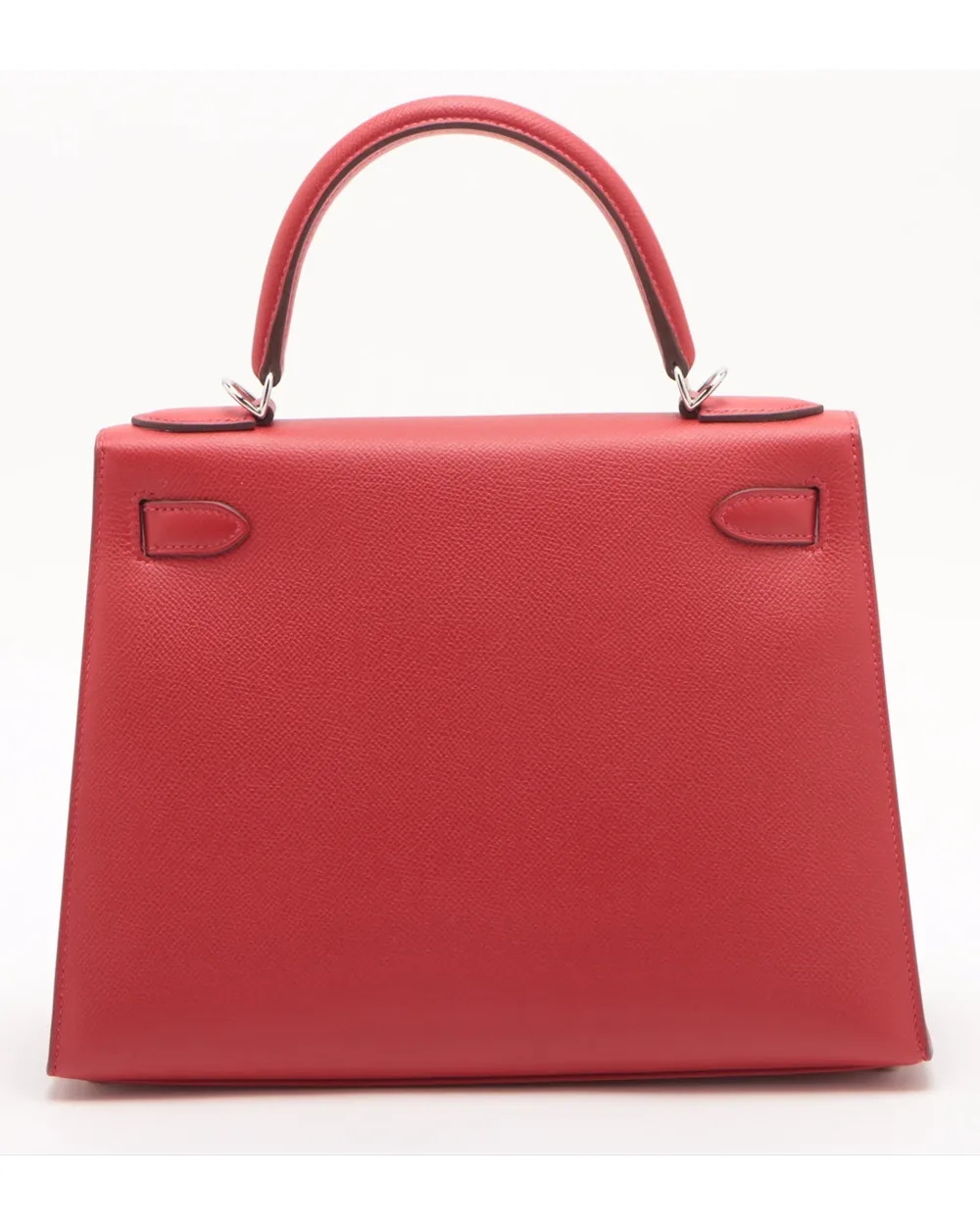
The same handbag rebuilt in a printed colourway on pure whitePlain red leather handbag as shot on a studio surface
BeforeAfter
Handbag, colourway rebuilt
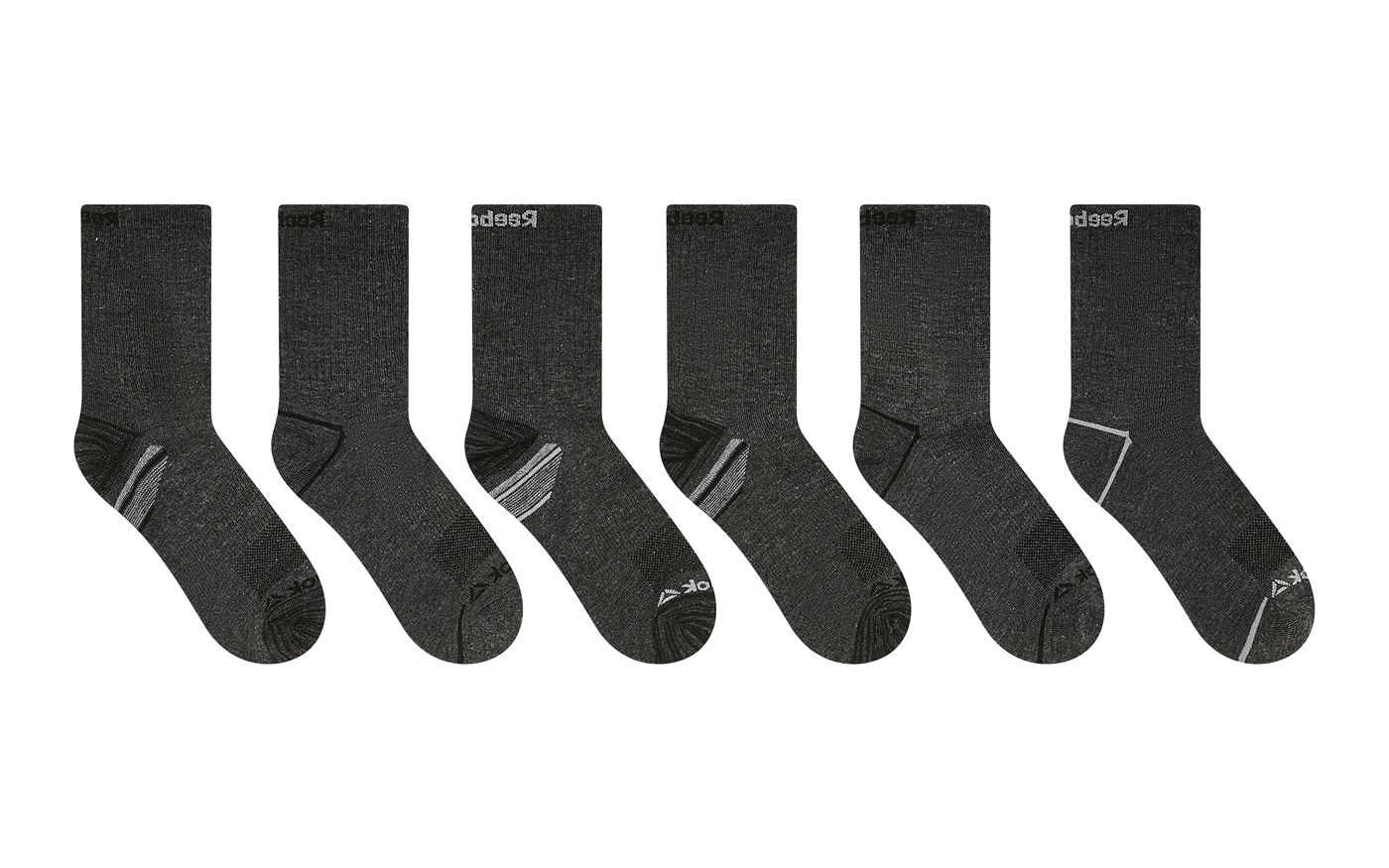
The same six socks cut out, straightened and evenly spaced on pure whiteSix grey socks laid at different angles on a marked studio surface, with a colour checker card and the edge of the next product in frame
BeforeAfter
Sock range — straightened, evenly spaced, checker card and stray product removed
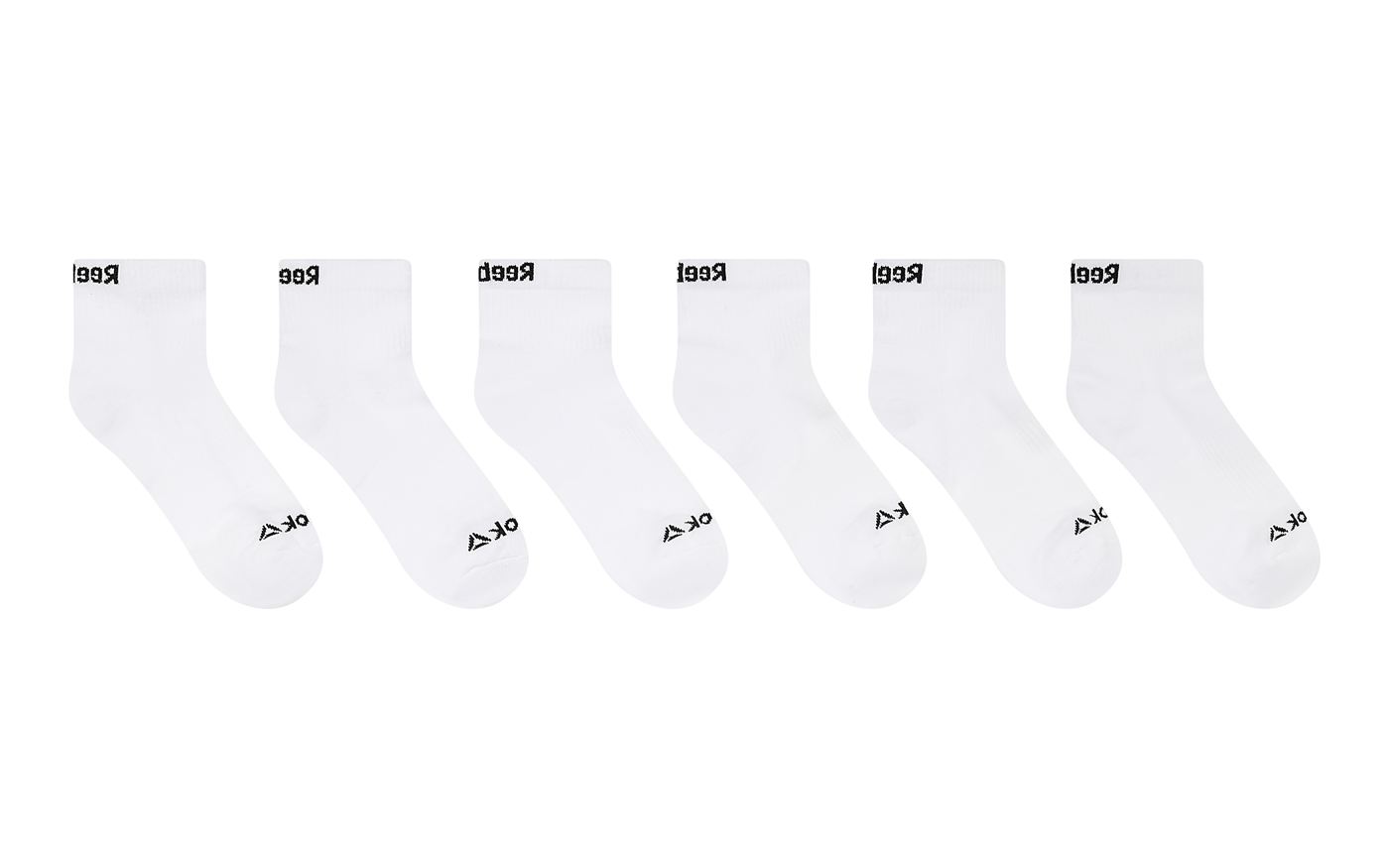
The same white socks on a pure white background with the edges still separatedSix white socks on a warm grey studio surface with a colour checker card and a red tag in frame
BeforeAfter
White on white — the edge held without a grey halo or a lost toe
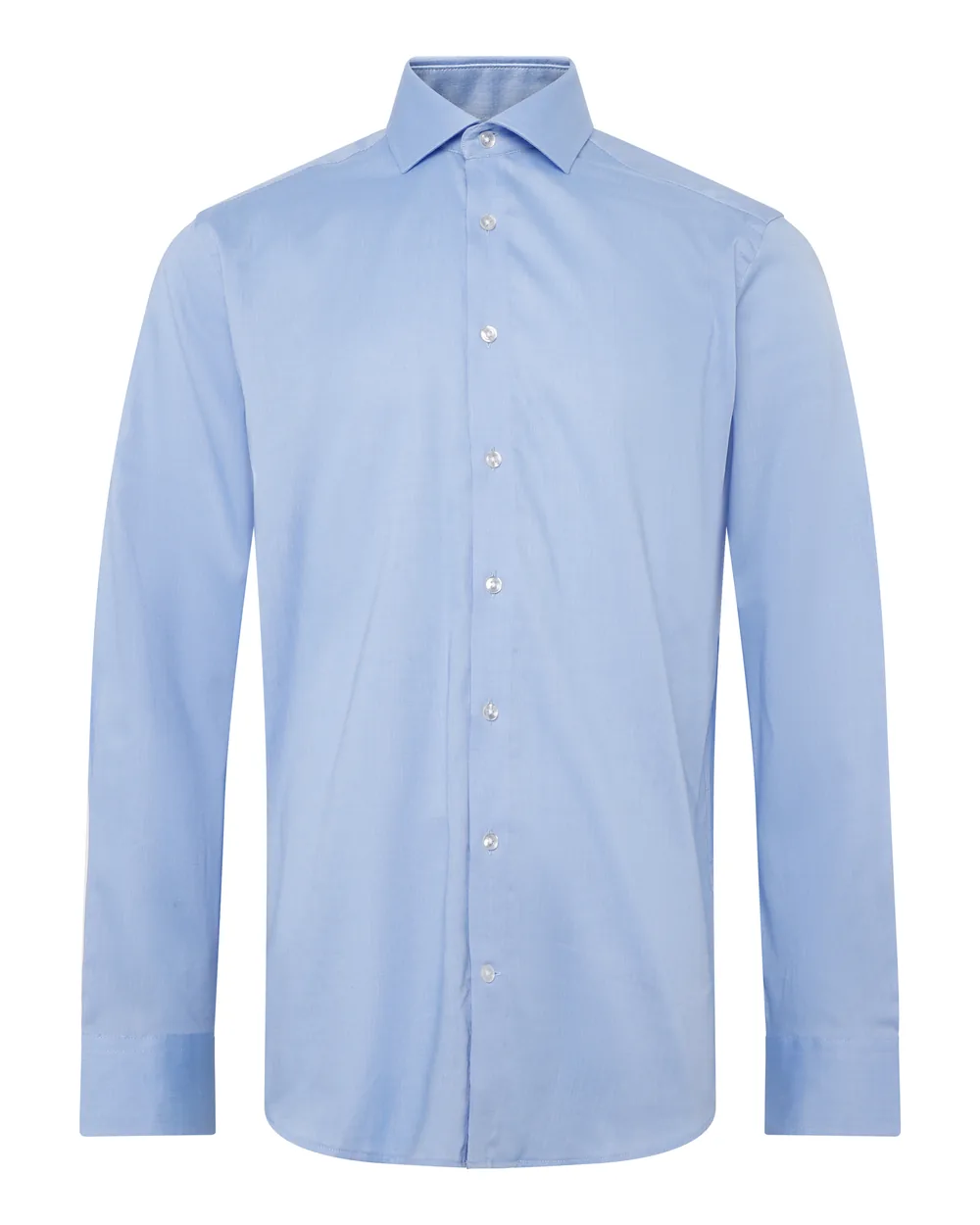
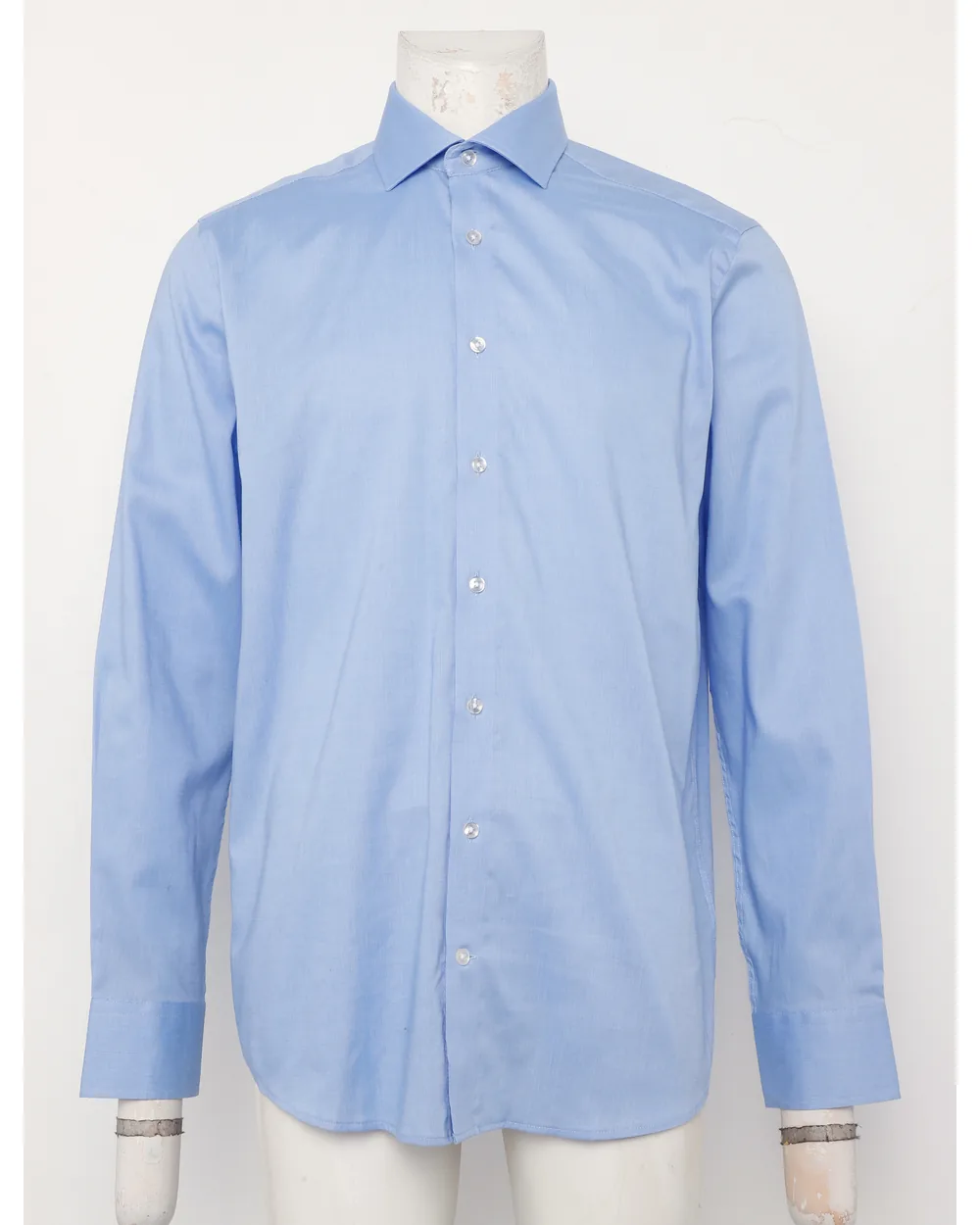
The same shirt shaped on pure white with the collar builtPale blue shirt as shot on a mannequin with cuff clips
BeforeAfter
Shirt, collar rebuilt
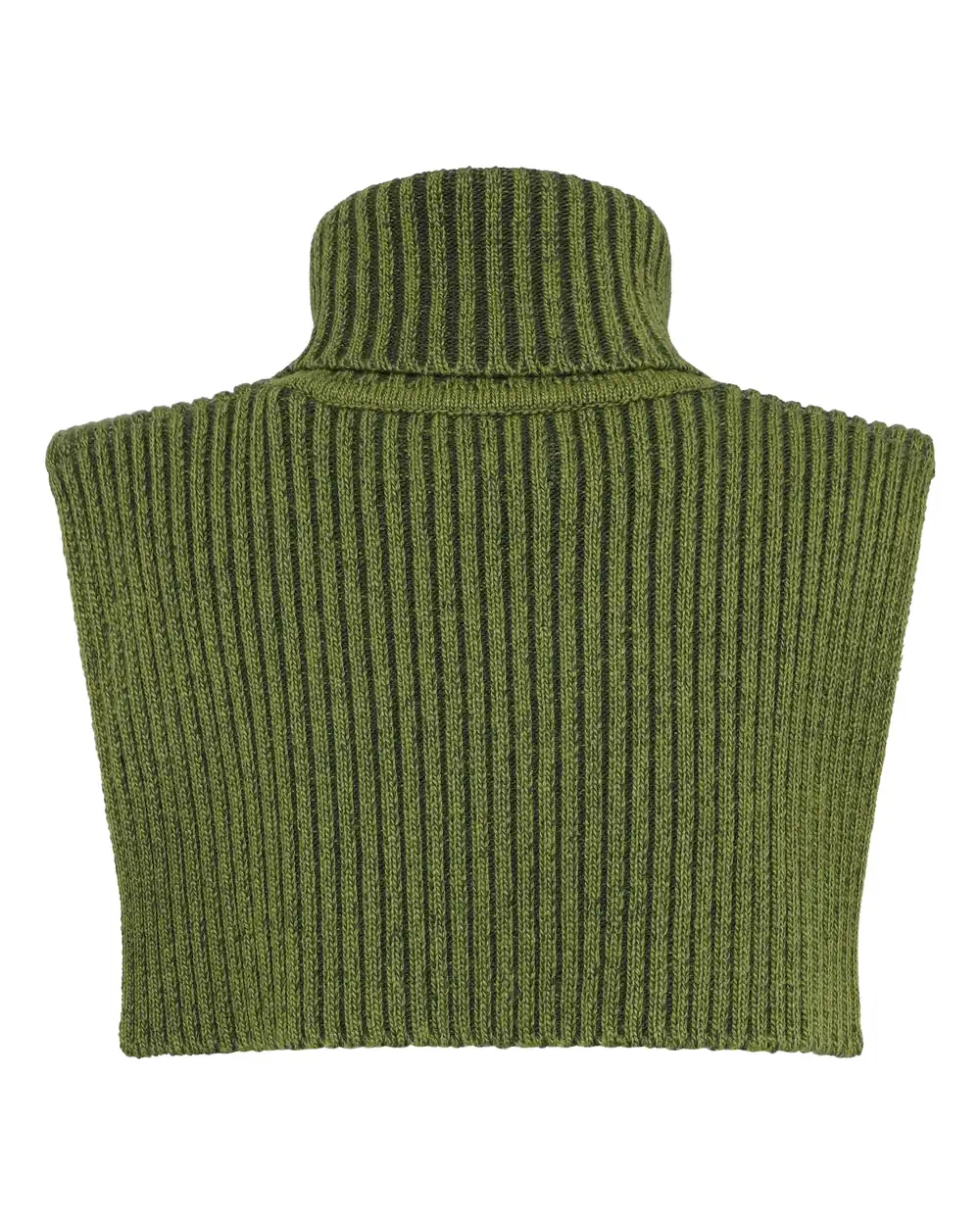
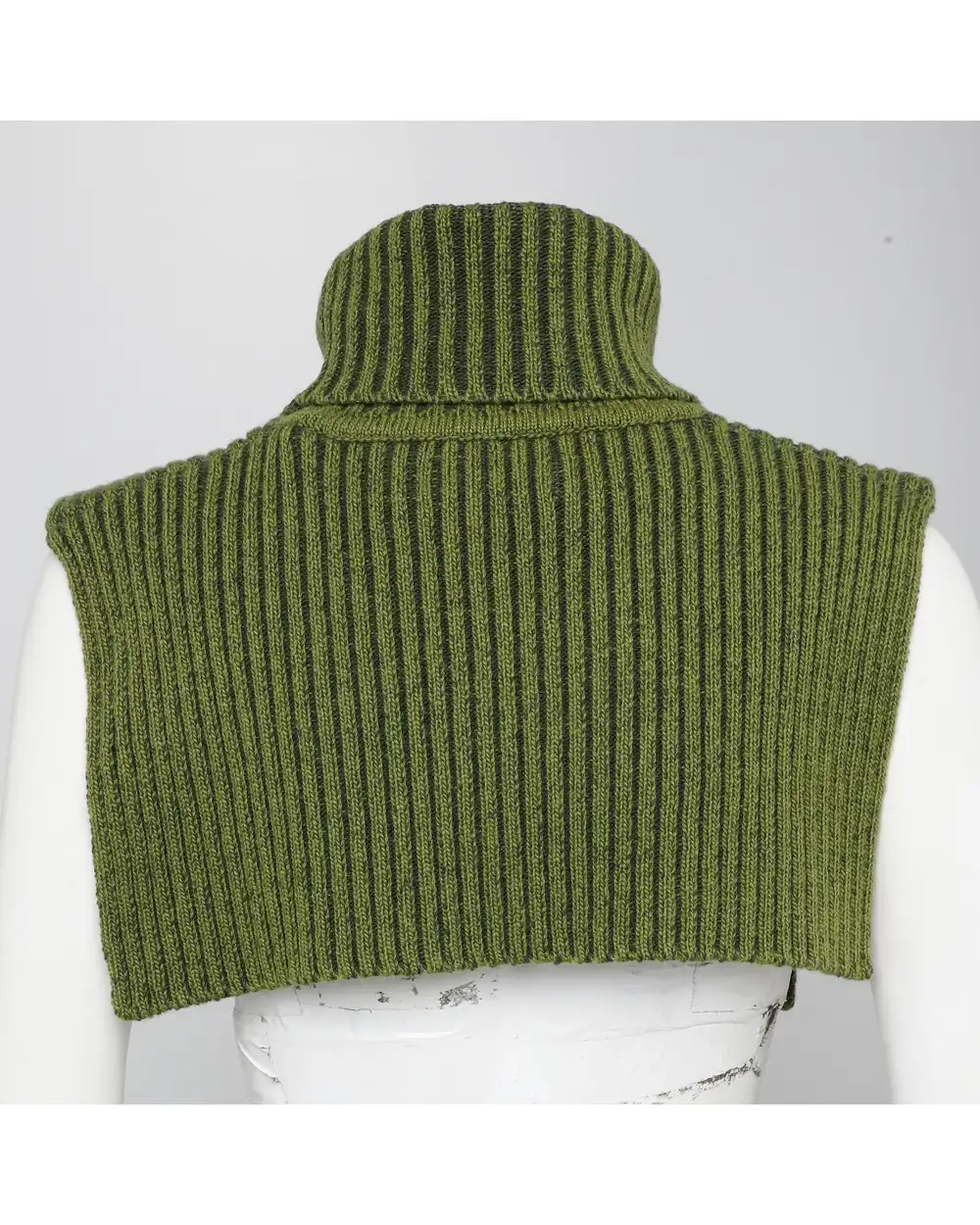
The same knit on pure white with the rib texture heldGreen ribbed knit collar on a marked studio mannequin
BeforeAfter
Knitwear, rib held
Try before you buy

Send 5 images. Get them retouched free.

See our quality risk-free — no commitment, no card.

Claim your free test edit